Real Estate Dashboard — Portfolio statistics
The Dashboard immobiliare (Statistiche di portafoglio) analyses yield, cashflow, costs and diversification of your portfolio. You decide which properties are included. Open it under Dashboard → Dashboard immobiliare. The tabs above the page switch between the dashboards Statistiche, Finanza, Energia, Posizione and Gestione.
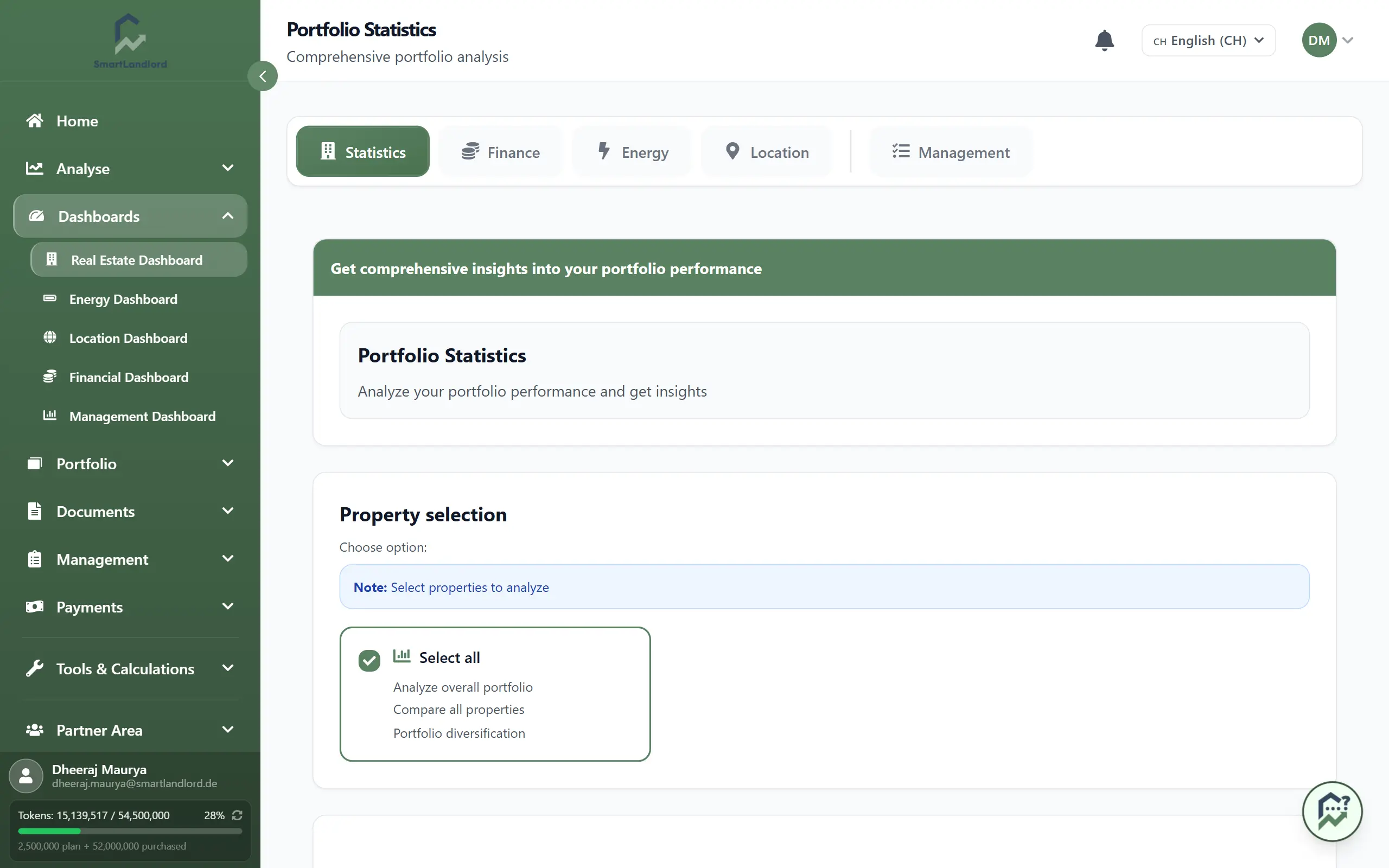
If you have no property yet, the page shows "Nessuna statistica disponibile" with a Aggiungi proprietà button that leads to Il mio inventario.
Choose properties
The block Selezione della proprietà has one card per property showing Prezzo di acquisto, Affitto base and Tasso di interesse. All properties are selected when the page opens.
- Click the card Seleziona tutti to select all or clear the selection.
- Click individual cards to include or exclude properties.
- The page recalculates after every change ("Calcolo delle statistiche del portafoglio…").
All figures and the PDF only cover the selected properties. Check the selection before you share numbers.
What the page shows
From top to bottom:
- Cifre chiave: Rendimento locativo lordo (annual cold rent divided by total purchase price), Moltiplicatore del canone (purchase price divided by annual cold rent) and Rendimento del capitale proprio (first-year wealth growth divided by equity invested).
- Confronto cash flow — tutti gli immobili: one line per property. Prima delle imposte and Dopo le imposte switch the tax effect; the dropdown sets 10, 30 or 50 years.
- Classifica delle prestazioni: two tables, Migliori performer and Performer più deboli, with Rendimento locativo lordo, ROI and Flusso di cassa. With too few properties the second one says: "Immobili insufficienti per una classifica di coda."
- Diversificazione del portafoglio: a donut chart by location and the Punteggio di diversificazione. The ring is green from 70, yellow from 40, otherwise red.
- Analisi di break-even: a table per property with Investimento iniziale, Tempo per raggiungere il pareggio, Redditizio and ROI al break-even.
- Struttura dei costi: a pie chart and a list of cost types with amount and share, for example interest, repayment and service charges. Types with no amount are left out.
Diagrams
The block Diagrammi holds five charts. Each has its own dropdown for 10, 30 or 50 years:
- Sviluppo del flusso di cassa: Flusso di cassa prima delle imposte, Flusso di cassa al netto delle imposte and Effetto fiscale.
- Sviluppo ROI
- Crescita del patrimonio: annual and cumulative.
- Sviluppo del risparmio fiscale: annual and cumulative.
- Sviluppo del servizio del debito: Interesse, Rimborso and Totale servizio del debito.
Hover over a chart to see the values per year.
Create a PDF
At the bottom of the page, Creare PDF produces a report "portfolio-statistics.pdf" for the properties currently selected. The button only appears once statistics have loaded. If creation fails, an error message appears below it.