Banking: accounts, balances and overview
Under Pagamenti → Banca everything sits in one place: your accounts with a total balance, your transactions, and the matching of transactions to properties and tenants. The page has a header with key figures and quick actions, and three tabs below it.
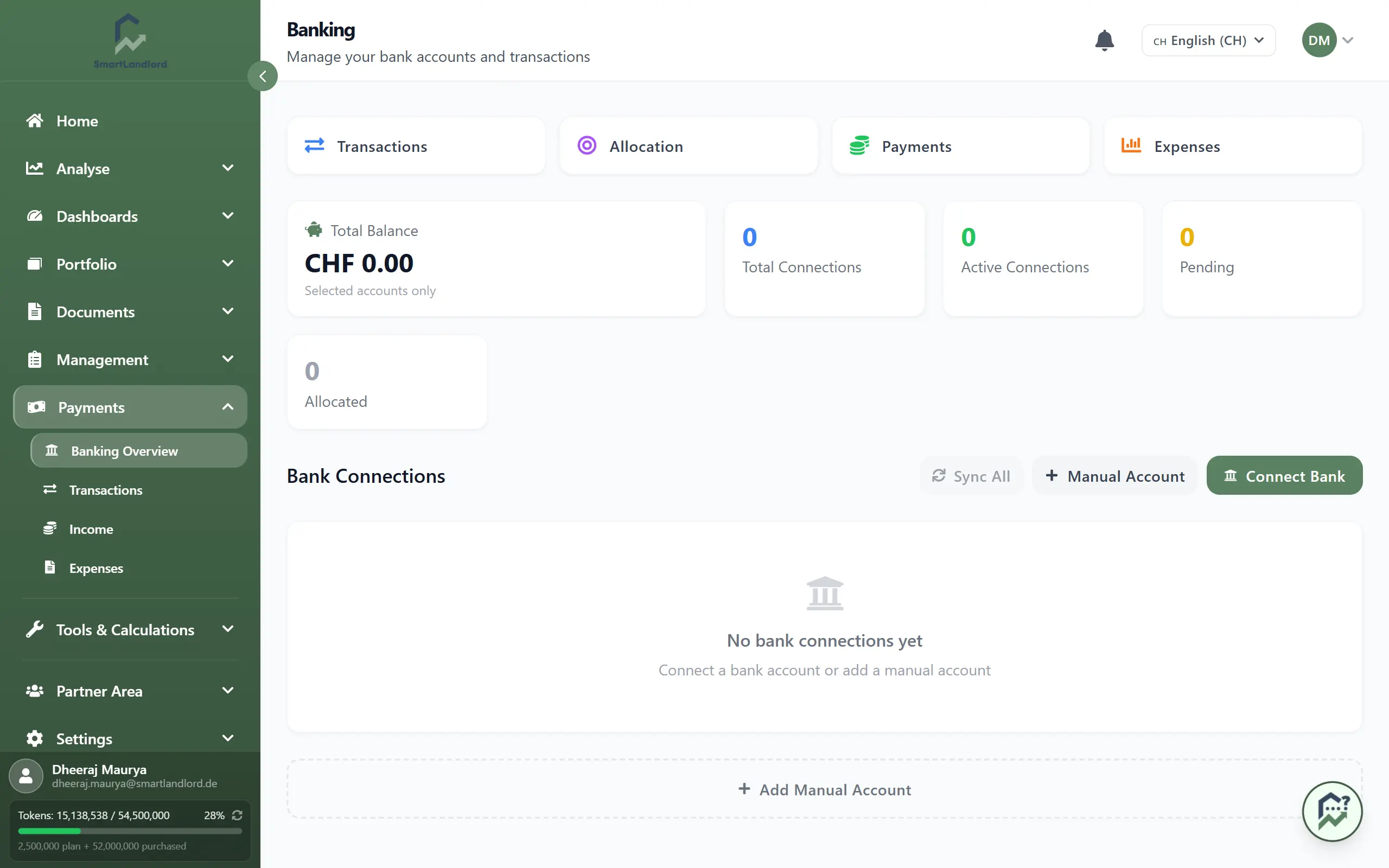
The header
- Saldo totale: the sum of the balances of all accounts that are included in the total (Solo conti selezionati).
- In attesa: number of transactions not yet assigned to a property. Clicking it opens the matching view (Rivedi). While transactions are waiting, a banner with Abbina automaticamente appears below.
- Assegnato: number of transactions already assigned.
- Connessioni totali: number of bank connections.
Below that are the quick actions:
- Importa estratto conto (CSV/Excel): opens the import for CSV, Excel or PDF statements. The steps are in the guide on transactions.
- Aggiungi transazione: opens a side panel where you record an income or an expense directly.
- Aggiungi conto: creates an account by hand (see below).
Connecting a bank
To the right of the quick actions you see either Collegare la banca or, as long as the automatic connection is not enabled, a dashed notice Sincronizzazione bancaria — in arrivo. In that case, bring in your transactions with the statement import or enter them by hand.
When the connection is available, Collegare la banca takes you to the sign-in at your bank and returns you to the Banking page afterwards.
Accounts tab
The Conti tab shows bank connections and accounts.
- Bank connections (Collegamenti bancari): per connection the name, status and time of the last sync. Each has Sincronizzazione and Disconnessione (with a confirmation). If a connection is in the state Aggiornamento richiesto, Ricollegarsi appears. Sincronizzazione di tutti refreshes all connected banks. Without a connection the tab shows Non ci sono ancora connessioni bancarie.
- Accounts (Conti): per account the name, masked IBAN, account type, balance, and the label Incluso nel saldo if it counts toward the total. The pencil icon edits an account.
Creating a manual account
Useful for accounts without a bank connection. Click Aggiungi conto in the header (or Aggiungere un conto manuale in the tab) and fill in the side panel:
- Nome del conto (required).
- Optional: Nome della banca, BIC (facoltativo), IBAN (facoltativo), Numero di conto (opzionale).
- Tipo di conto: Conto corrente, Conto di risparmio, Carta di credito, Prestito, Titoli or Altro.
- Saldo attuale and whether the account counts toward the total (Includere nel saldo totale (panoramica)).
- Salva.
When editing, you can change the name, IBAN, account type and whether it counts toward the total. The balance can only be changed on manual accounts; it is not updated automatically, you maintain it yourself.
The other tabs
- Transazioni: all transactions with search, filters and status.
- Assegnazione: review suggestions, manage rules, assign transactions to properties and tenants.
Both are covered in the guide on transactions. Recorded rent income and expenses are under Entrate and Uscite.