ImmoCheck: analyse a property
ImmoCheck works a property through as an investment: yield, cash flow, financing and taxes in one report, as a PDF if you want. You find it under Analisi → ImmoCheck, or in Il mio inventario with the Nuova proprietà button.
If you only want to add a property and manage it, without an analysis, use the quick form: Add a property.
Entering the data
ImmoCheck is the detailed way: you enter purchase, financing, tax and rent data and get a report.
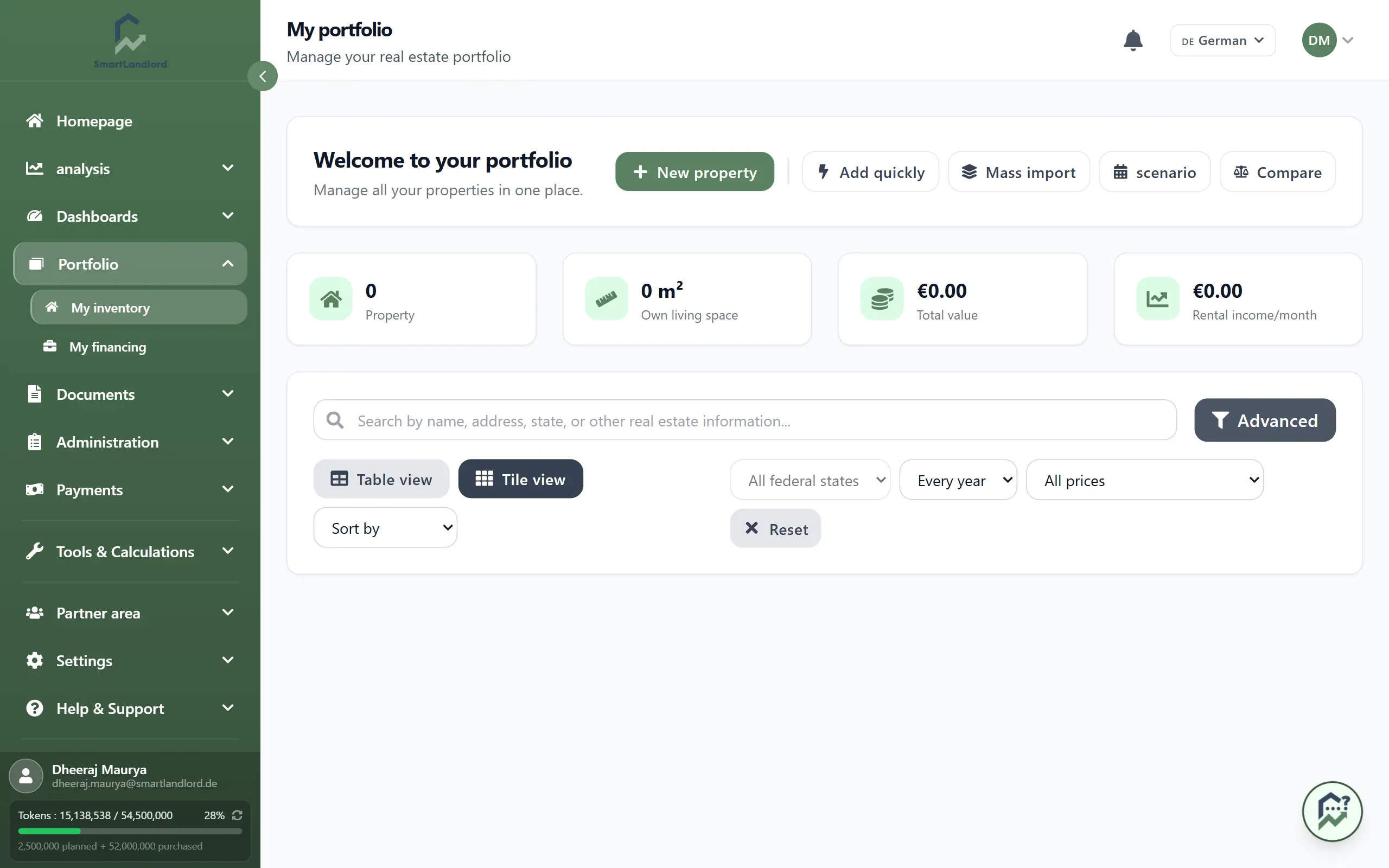
Import data (optional)
Above every step there is the row of cards "Importa dati (Opzionale)":
- Carica PDF: choose a listing PDF with Scegli PDF, then Analizza. The fields it finds are filled in.
- Incolla testo: Incolla testo opens a window where you paste the listing text. The same fields are read from it.
- Magic Fill: Avvia suggests values for the remaining fields. The card only becomes active once address, region, purchase price, size, year built, equity and purchase date are filled in; until then it says "Inserisci prezzo di acquisto e capitale". When you move from step 2 to step 3, SmartLandlord offers Magic Fill by itself once per draft ("Magic Fill pronto"): Esegui ora or Più tardi.
Fields filled this way carry a "PDF" or "AI" marker until you change them.
Nota: l'intelligenza artificiale può commettere errori; i risultati devono essere considerati come una guida. Check imported and suggested values before you start the calculation.
The six steps
The steps are listed on the left in the "Analisi immobiliare" panel and can be clicked; you can only jump forward once the required fields of the current step are validly filled. Avanti and Indietro take you through them in order. Required fields are marked with *; the progress bar and counter at the top show how many are filled.
- Dati d'acquisto: address, region, property type, purchase price and size, equity and purchase date, purchase side costs (depending on the country, for example transfer tax, notary, land register, broker) and parking spaces.
- Dettagli immobile: year built, rooms, floor, equipment, heating type, energy certificate and energy consumption.
- Finanziamento: loan with loan type, amount, interest, repayment and term. Aggiungi un altro prestito adds further loans.
- Ammortamento e imposte: depreciation type and rate, land share and tax rate.
- Previsioni: Tasso di rischio di sfitto, Riserva di manutenzione al mese, Aumento dell'affitto all'anno and Aumento di valore all'anno.
- Affitto e costi: Affitto a freddo, parking rent, operating costs, house fee, property tax and other costs.
Your entries are kept as a draft in this browser: if you close the page, you find your progress again next time. Cancella modulo opens a prompt: you clear either only the current page (Pagina attuale) or everything (Tutti).
Calculate
- Decide whether the property should go straight into your inventory: the checkbox Salva nel portafoglio in the side panel is off by default. Without the tick the calculation is created, but the property does not appear in Il mio inventario yet. You can also save it later in the report.
- Click Calcola risultato (side panel) or, in the last step, Analizzare la proprietà. If a required field is missing, the page marks the affected fields in red.
- The report then opens; figures and texts appear as soon as they are ready.
The report
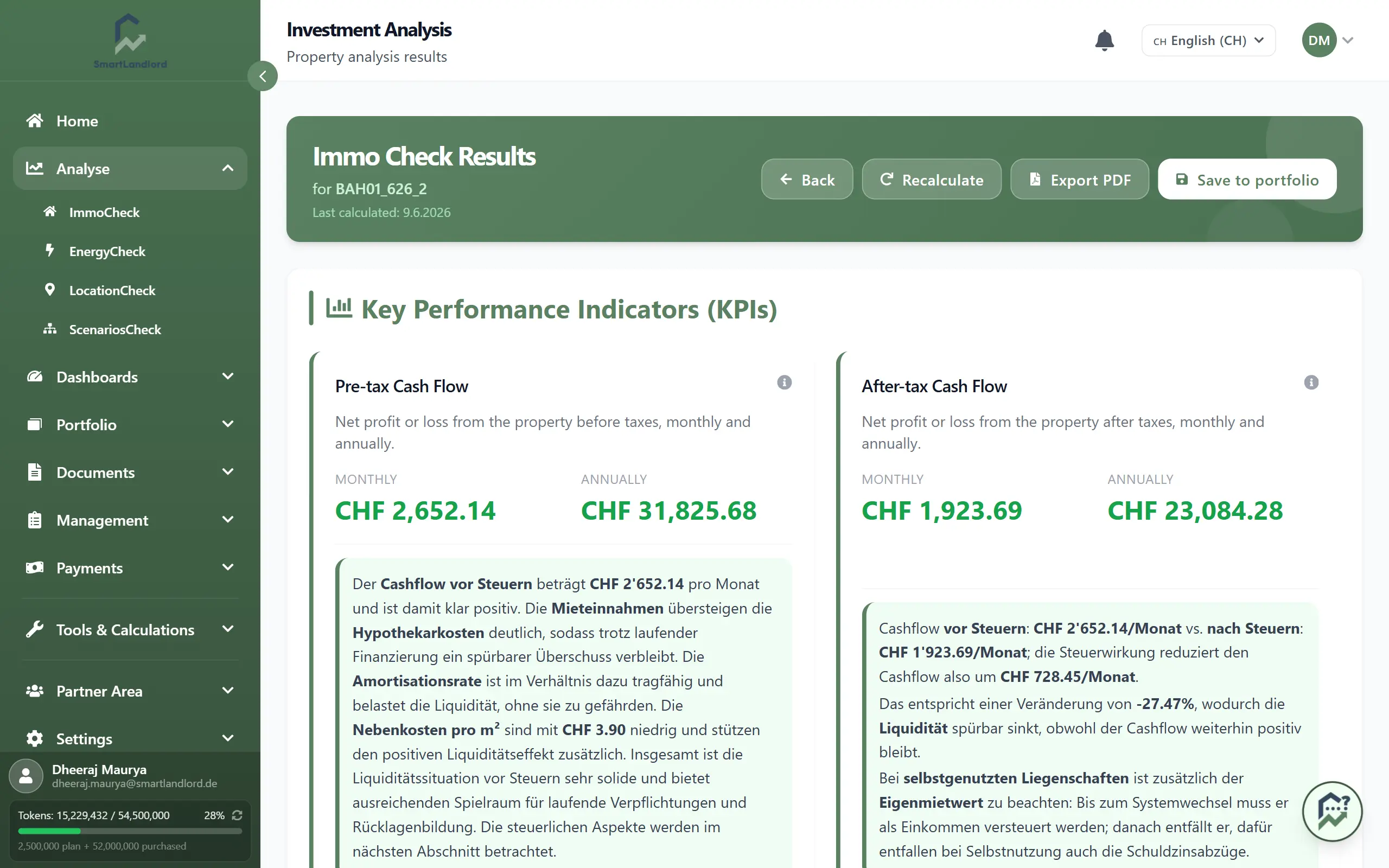
The report is divided into: Sintesi, Immobile, Valore di mercato, Flusso di cassa, Lungo termine, Vendita, Pareggio, Scenari, TIR, Ubicazione, Energia, Rischi and Giudizio.
These buttons are at the top:
- Stampa / PDF: creates the PDF.
- Ricalcola: recalculates and writes the written assessment for every section. If a section has no commentary yet, click this.
- Condividi: creates a private link that your bank, tax adviser or co-investors can open without an account. You choose how long it is valid and can revoke it.
- Modifica dati (only while the property is not in your inventory): reopens the same calculation in the ImmoCheck form. Submitting again recalculates the same property; no second one is created.
- Salva nel portafoglio: adds the property to Il mio inventario. The page then shows "Salvato" plus Modifica (opens the property profile) and Elimina.
You can also open the report for a property you added with quick add. If equity and loan are missing there, the report says so ("Mancano i dati di finanziamento"), because cash flow after financing and return on equity cannot be calculated without them. Aggiungi il finanziamento leads to the property profile, to the financing section.
MarketValueCheck: estimate the value first
Under Analisi → ValoreCheck you estimate a property's value from its address, living area and type. Purchase price, rent and loan are optional; with them the check also shows the deviation from the price and the negotiation band. The check is free on every plan, only the AI explanation uses tokens. Your earlier valuations are listed below under "Le mie valutazioni".
In a valuation, Avvia un ImmoCheck completo leads to the "Aggiungi proprietà" form (the quick form) and carries over address, area, year built and, if given, price and rent. Check and complete these values there.
Changing things later
Open the property in Il mio inventario and change property data, financing or rents in the property profile. To update an ImmoCheck calculation afterwards, use Ricalcola in the report.