Partner Terms — Where to Find Them and What They Cover
The partner terms (Partner-AGB) set out how the SmartLandlord partner programme works. You accept them when you register and can read them again at any time. The contract text itself is always what counts. This page only summarises the rules. Concrete figures (commission rates, tiers, minimum payout) are on the partner programme page, the full text is at Partner agreement.
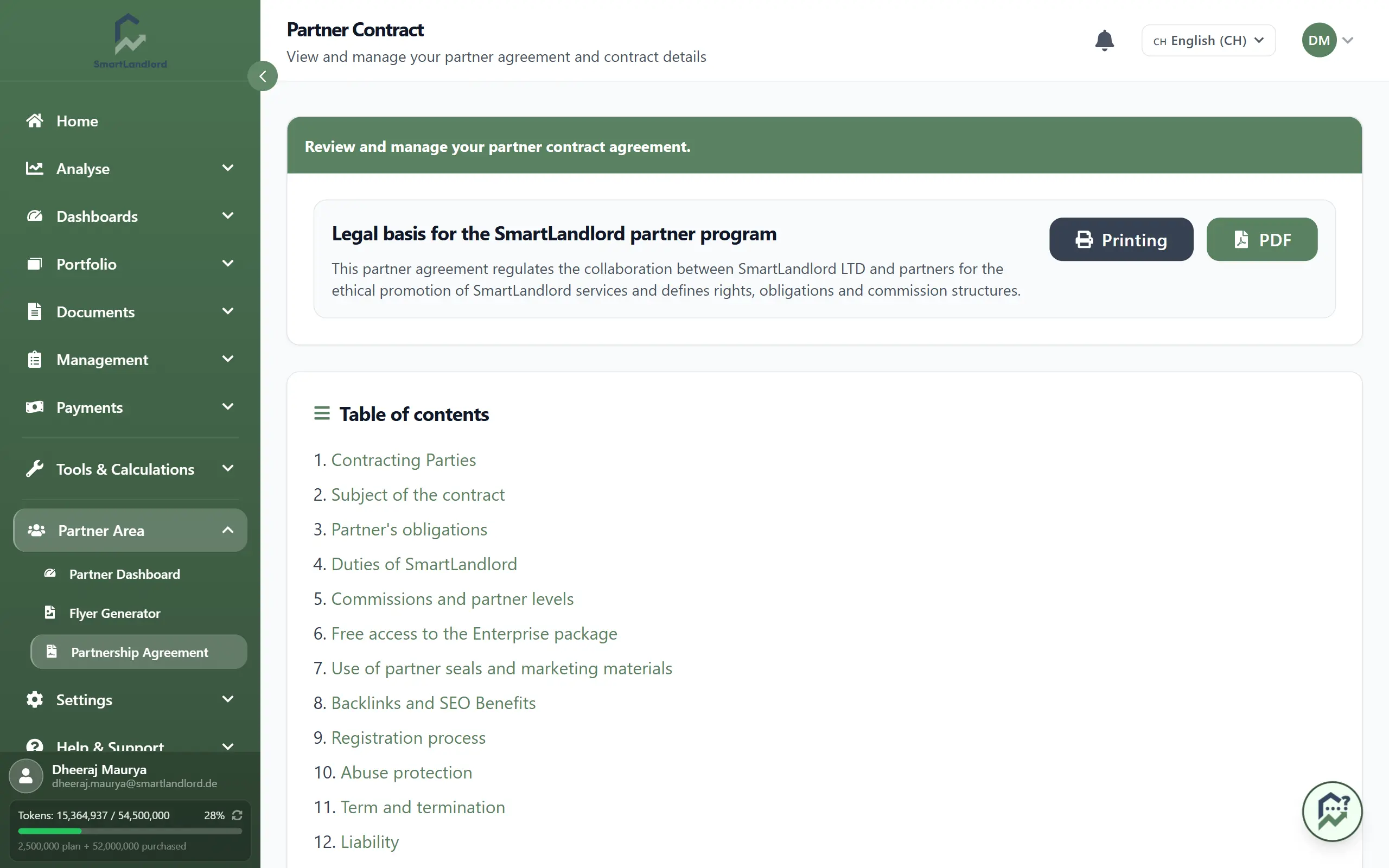
Where to find the terms
- In the partner area: sidebar, Area partner, then Condizioni partner. In the header of the contract, download it with Scarica in PDF.
- On the dashboard: the button Condizioni partner next to the welcome line opens the same page.
- In the settings: Impostazioni partner, tab Condizioni partner.
- Without signing in: Partner agreement.
- During registration: in step 4, View terms opens the text in a window, where you can also accept it right away.
The page always shows the version currently in force, in your language. If there is no version in your language, you see the market's default version.
If your account is approved but the terms are not accepted yet, a red notice appears on the dashboard and in the Partner terms tab. Use Leggi le condizioni partner to open the text and Accetta le condizioni partner to confirm it.
The rules in brief
Joining and staying
- Registration is free. The check runs automatically and usually takes about one minute. Only unusual applications are reviewed by a person. Nobody is rejected automatically.
- Every approved partner starts in the Bronze tier immediately, even with no customers. Silver and Gold follow from the number of referred customers with an active paid subscription.
- Every partner receives the Enterprise package for free and permanently, independent of tier and of how many customers were referred. It only ends when the partnership ends.
Attributing customers
- A customer is attributed to you if they register through your referral link or QR code (180 days in the same browser, with the customer's cookie consent) or enter your referral code at registration or when buying their first paid subscription. A registration with neither cannot be attributed later.
- Customers who use your code get a discount on their first payment.
What you earn (in this order)
- A fixed credit for every person who registers through your link or code and confirms the email address, even if that person never buys.
- A one-time commission for the customer's first paid subscription. For a yearly subscription it is credited with the first payment, for a monthly subscription in one amount once the customer has paid for three months. It rises with the tier, and the basis is the list price of the package. It is paid once per customer, and renewals, upgrades and plan changes do not trigger it again.
- A recurring revenue share for every further paid billing period of the customer, from the second payment on, for as long as the customer pays and the partnership exists. The basis is the listed price of the booked package; extra properties and other add-ons do not count, and discounts do not reduce it.
Refunded or charged-back payments do not count.
Payout
- From the minimum balance you request the payout on the page Pagamenti. Payouts are made monthly by bank transfer to the IBAN stored in the settings. A lower balance is carried forward and never expires.
- Tax and bank details are only requested when your first commission is due.
Visibility and leads
- The entry in the public partner list is available to every partner and is switched on or off in the settings.
- SmartLandlord can pass on enquiries from users whose need fits your service category and service area, after the user agrees. There is no fee per lead and no guaranteed number.
- Paid visibility packages are optional. They raise your weight in the AI recommendations and do not change your commission tier.